Screen-share privacy and what we store
How Cowinx keeps your personal workspace separate from selected shares, the checks you can reproduce, and a plain-language list of what we hold and don't hold about you.
Last reviewed June 15, 2026 · Cowinx engineering
What Cowinx keeps private
Cowinx uses native macOS window behavior to keep its floating workspace out of supported screen-capture output while it remains visible on your own display. Dock behavior and click-through mode reduce workspace clutter while you are coding or presenting. These are separate controls; a clean Dock is not the same thing as excluding pixels from a screen-share frame.
- Screen-share capture exclusion for the Cowinx workspace where supported.
- A low-clutter floating workspace instead of another ordinary app window.
- Click-through behavior so the overlay does not steal focus.
- Audio-first transcription for spoken questions.
Reproduce the visible checks
The following interactive artifacts show the intended Dock and workspace behavior. For screen sharing, always run a private test meeting and view the shared screen from a second device before an important call — the full routine is in the pre-flight check.
What privacy controls do not guarantee
- No software can guarantee the same capture behavior against every future OS, meeting-app, or assessment-platform update.
- Opening Cowinx settings, notifications, or unrelated windows can still reveal activity.
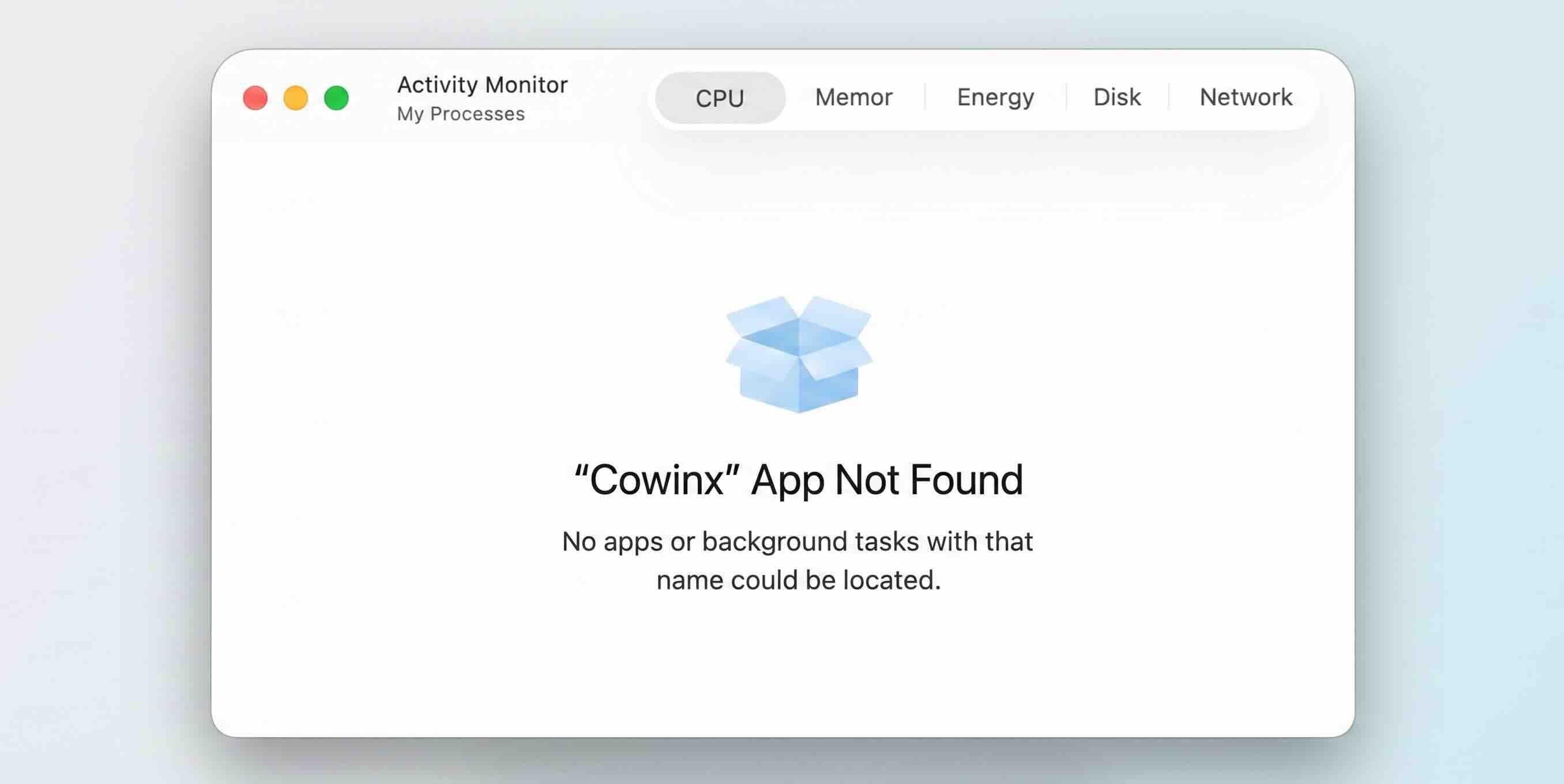
- Activity Monitor and endpoint-management tools can show running app or helper activity.
- Our regression process does not yet have a public automated run log.
- Company, school, interview, exam, and platform rules still apply. Do not use Cowinx where outside assistance is prohibited.
Data handling in plain language
Audio is streamed to the Cowinx relay and speech provider to produce live transcription and Q&A notes. Session records may be stored for account, support, and product-quality workflows. We do not sell session content. For account deletion or a data request, email support@cowinx.com. Read the full legal terms on the Terms & Privacy page.